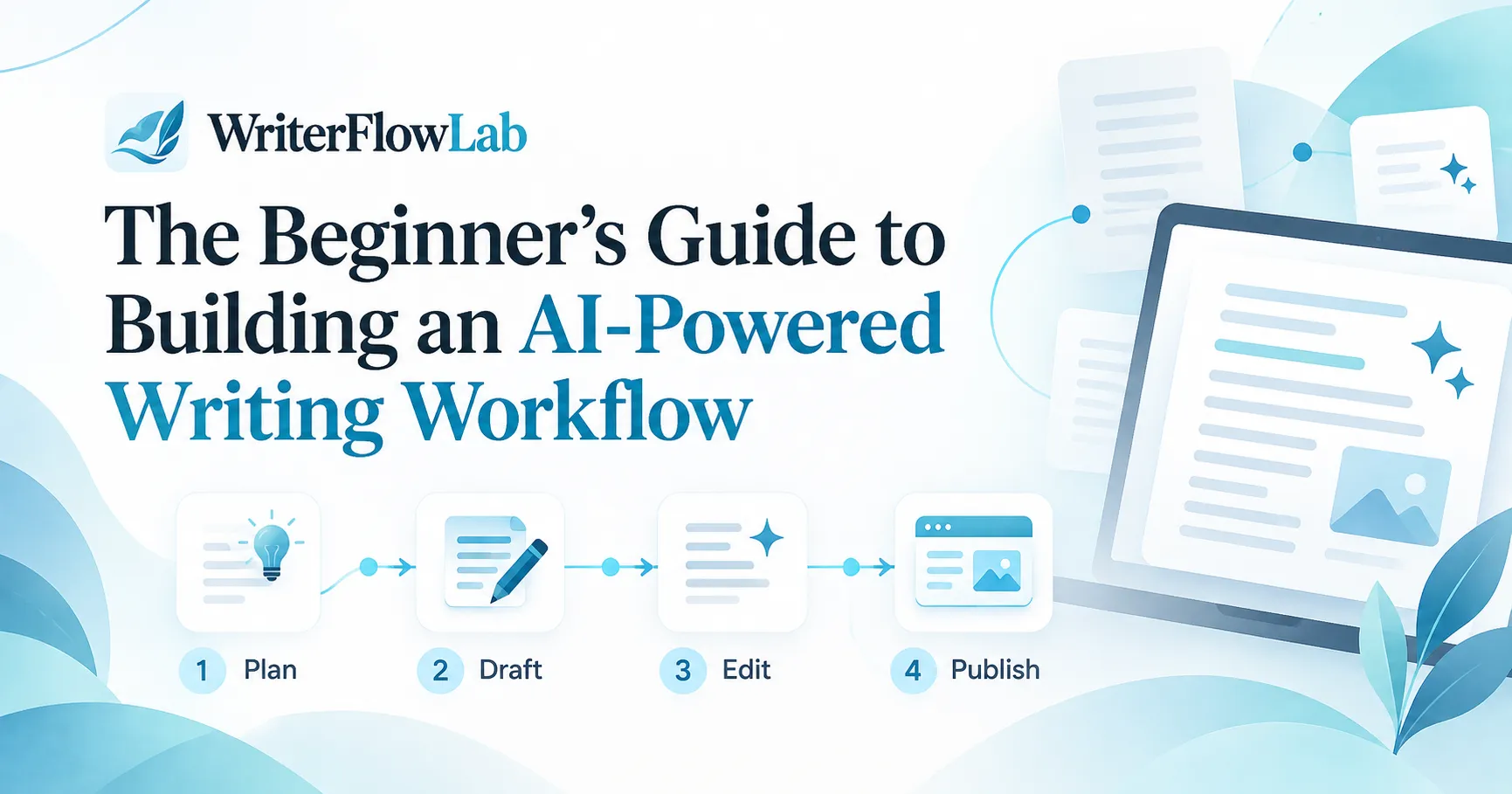
Using AI well is less about finding the perfect tool and more about having a clear process. A good workflow tells you where AI helps, where it doesn't, and where your own judgement has to take over. This guide walks through a simple workflow you can adapt to almost any kind of writing.
The principle: you think, AI assists
AI is good at producing text quickly. It is not responsible for whether that text is true, useful or right for your audience. You are. Keep the thinking (purpose, argument, facts, judgement) with you, and use AI for the parts that are slow but mechanical.
Step 1: Define the purpose
Before opening any tool, write two sentences: who this piece is for, and what they should know or do after reading it. This brief will make every later step, including your prompts, better.
Step 2: Research and collect sources
Gather the facts, examples and sources yourself. AI can help you summarise material you provide, but it should not be your source of facts, because it can produce plausible-sounding errors.
Step 3: Outline
Draft a rough outline of the main points in order. You can ask an AI tool to suggest missing angles or a clearer order, but decide the structure yourself.
Example prompt: "Here is my outline for an article aimed at [audience]. Suggest any important points I have missed and a clearer order. Do not write the article."
Step 4: Draft with assistance
Use a general AI assistant, or the article writer in a content platform such as WriteSonic, for sections you find hard to start. Give it your outline, your key points and an example of your tone. Treat whatever it produces as raw material.
Step 5: Rewrite in your own voice
This is the step people skip, and it is the one that matters most. Rewrite the draft so it sounds like you. Add your own examples, opinions and specifics. Cut anything generic.
Step 6: Fact-check everything
- Verify every statistic, name, date and claim against a reliable source.
- Remove anything you cannot verify.
- Be especially careful with product features and prices, which change often.
Step 7: Edit for clarity
Run a final editing pass. An editing assistant like Grammarly helps catch errors and unclear sentences. Read the piece aloud once as well; it is the fastest way to find awkward phrasing.
Step 8: Repurpose where it helps
Once the piece is final, you can turn it into other formats: a newsletter summary, social posts, or an audio version with a voice tool such as ElevenLabs. Only repurpose when the new format genuinely serves your audience.
A simple checklist
- Purpose written down
- Sources gathered by you
- Outline decided by you
- AI draft treated as raw material
- Rewritten in your voice
- Every claim fact-checked
- Final edit and read-aloud
- Repurposed only where useful
Next steps
Try this workflow on one real piece of writing this week and note where it saves time and where it does not. For more context, read what AI writing can and can't do, or browse the AI tools directory.