
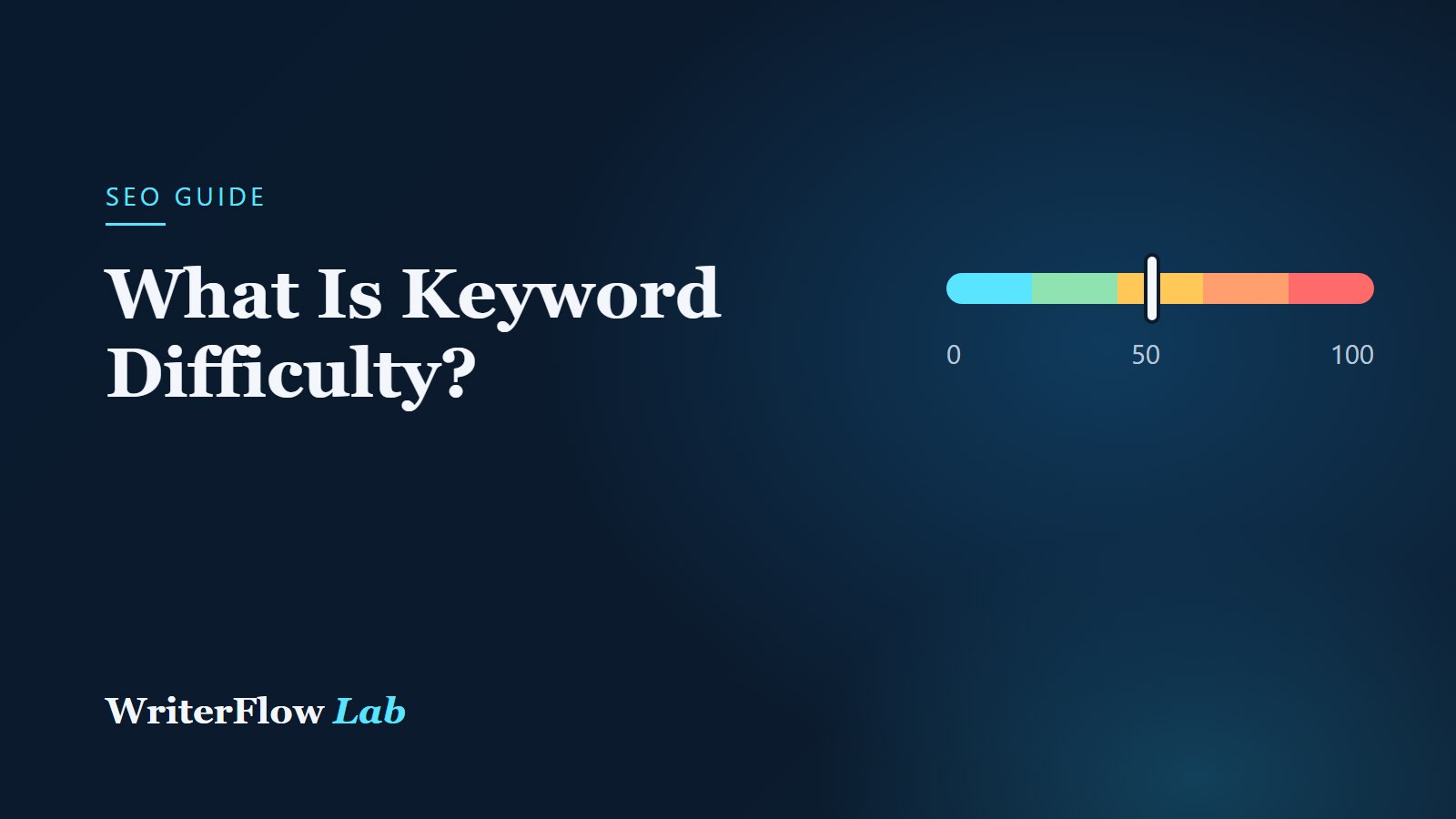
Keyword difficulty (often shortened to KD) is a score that estimates how hard it would be to rank on the first page of Google for a keyword. It is one of the most useful numbers in keyword research, and one of the most misunderstood. This guide explains what the score measures, why different tools disagree, and how to use it without treating it as a guarantee.
This guide is WriterFlowLab's editorial advice. Metric definitions come from our data provider's documentation, linked below. You can check any keyword with our free keyword difficulty checker.
What keyword difficulty measures
Keyword difficulty is an estimate, not a number Google publishes. Google does not release a difficulty score. Each SEO data provider builds its own model, usually based on the strength of the pages that currently rank in the top 10, especially how many sites link to them.
The score in our tools comes from DataForSEO, which describes its keyword difficulty as an indicator of the chance of getting into the top 10 organic results, on a logarithmic scale from 0 to 100. Higher numbers mean harder. On a logarithmic scale, each step up generally reflects a larger increase in competition than the step before, so the difference between 70 and 80 is bigger than it looks.
Reading the score
To make the number easier to read, WriterFlowLab groups it into bands:
- 0–20: Very easy. Little established competition. A good, relevant page may rank without many links.
- 21–40: Easy. Achievable for most sites with solid content.
- 41–60: Moderate. Expect to need strong content and some links or existing authority.
- 61–80: Hard. Top results tend to be strong, well-linked pages.
- 81–100: Very hard. Usually dominated by major sites. Realistic mainly for established brands.
These bands are our presentation of the underlying number, not part of the provider's metric, and they are a rule of thumb rather than a promise.
Why tools disagree
If you check the same keyword in two SEO tools, you will often see two different difficulty scores. That is normal. Each tool:
- uses its own formula and weighting,
- relies on its own backlink index, and every provider crawls the web differently,
- refreshes its data on its own schedule.
So compare difficulty scores within one tool, not across tools. A keyword rated 30 in one tool and 45 in another is not "wrong" in either. It is simply measured differently.
What difficulty does not tell you
- Your own site's strength. The same keyword is easier for a well-established site in that niche than for a brand-new one.
- Content quality gaps. If the current top results answer the question poorly, a better page can sometimes win despite a high score.
- Search features. A results page crowded with videos, shopping results or an AI Overview can make organic clicks harder to earn than the score suggests.
- Intent fit. If your page is the wrong type for the search (for example, a blog post when people want a product page), the score is irrelevant.
How to use difficulty in practice
- Start with relevance. Only consider keywords your audience searches for and that you can answer well.
- Prefer realistic targets. Newer and smaller sites usually make faster progress with keywords in the easy and moderate bands.
- Look at the top 10. The keyword difficulty checker shows average referring domains and backlinks for the pages ranking now. Compare those with your own site.
- Check the results page itself. Use the SERP checker to see what kinds of pages and features appear.
- Find easier variations. If a keyword is too hard, look for longer, more specific related keywords with the keyword research tool.
Difficulty and backlinks
Links from other websites are a big part of most difficulty models, because pages that rank for competitive terms tend to have many of them. Our guide to referring domains and backlinks explains these metrics, and the backlink checker lets you look at any ranking page's link profile.
Links are not the only factor, though. Google's guide to how Search works says relevance is determined by hundreds of factors, and that Google aims to show the highest-quality, most relevant results for each query. Difficulty scores are a planning aid, not a description of how Google ranks pages.
Next steps
Take a keyword you want to target and check it with the keyword difficulty checker. If it lands in the hard bands, use the keyword research tool to find a more specific alternative, and read how to do keyword research for free for the full process.
Sources
- DataForSEO API documentation: Keyword Overview (keyword_difficulty, avg_backlinks_info).
- Google Search Central: In-depth guide to how Google Search works.